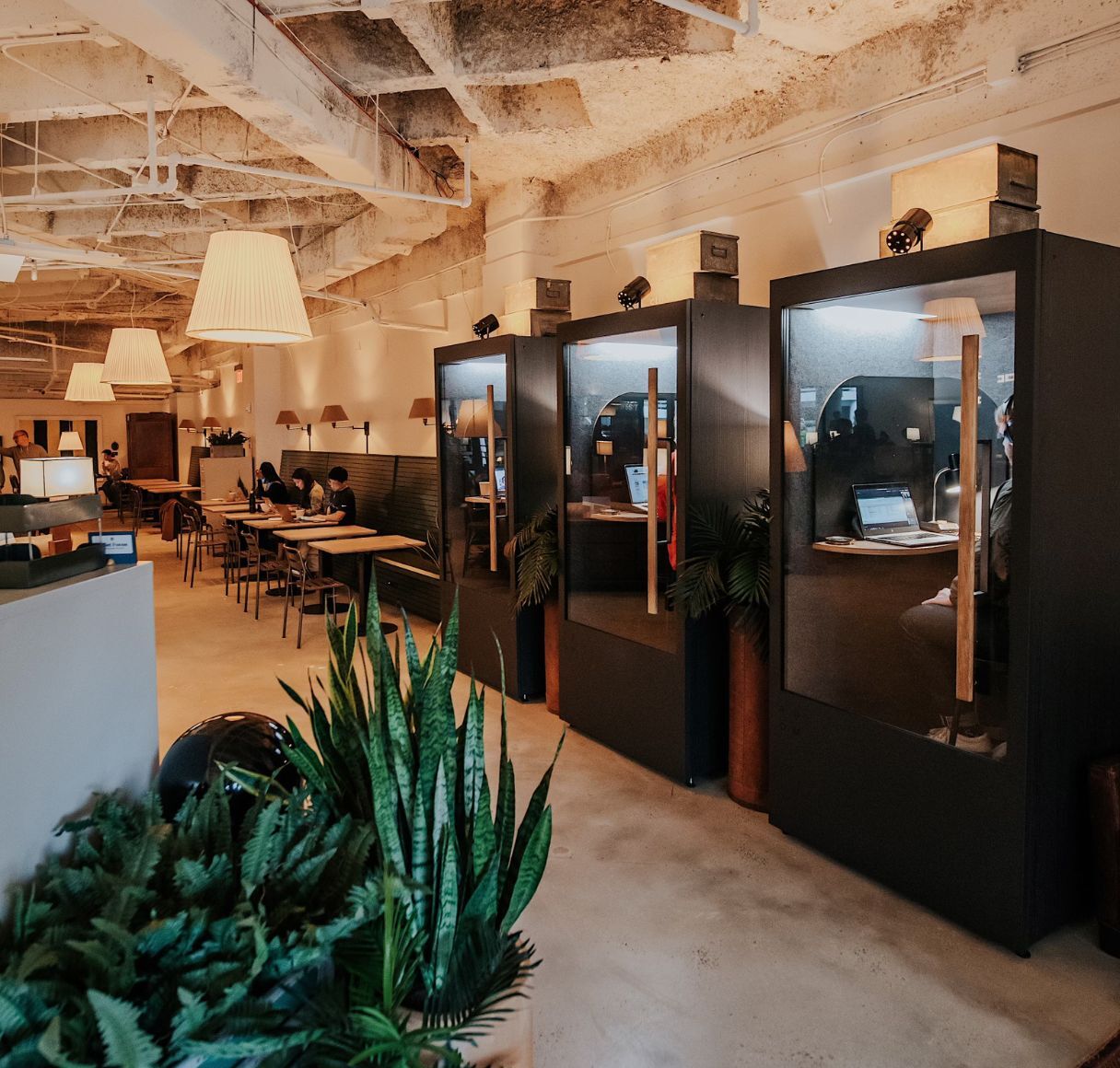
🛟 Reserve a phone booth or meeting room
All locations have either phone booths or meeting rooms for private calls or zooms. They must be reserved in order to use (no drop-ins) and you must check in to confirm your booking.
Book a room → switchyards.com/rooms - it takes just 20 seconds.
You’ll need to join the correct Skedda venue for each city you use Switchyards in. If it’s your first time booking at a new club, use the club-specific link on our website to join that venue first.
You will receive a check-in reminder email 30 minutes before your reservation. You will have until 10 minutes after the booking starts to check in. If you do not do this, your room reservation will be canceled and can be rebooked by another member.
Phone Booths
📞 Phone booths are intended for calls, video meetings, and focused conversations that need privacy.
- Members can book up to 2 hours of calls per day in the Phone Booths.
- Phone Booth bookings can be made in increments of 15 minutes up to 1 hour per booking.
- Phone Booths are first come, first served and must be reserved ahead of time on the Skedda app.
Club Rooms
📋 Club Rooms are intended for meetings with others and pushing your best ideas forward.
- Members can book up to 4 hours per day in the Club Rooms.
- Club Room bookings can be made in increments of 1 hour to 2 hours per booking.
- No food (except Stroopwaffels) are allowed in the Club Rooms at any time.
- No publicly advertised events are allowed to be held in the Club Rooms.
If you finish early, end or cancel the booking so the room or phone booth becomes available for other members to book
Room Booking FAQ's
-
Why was my booking canceled?
A booking will be automatically canceled if check-in was not completed. Please make sure you have successfully checked in for your booking no later than 10 minutes after the booking start time. You can contact Member Services if you believe a booking was canceled in error. -
What to do if someone is in the room I booked?
You can confirm that the booking is yours in Skedda’s Map view. If your name appears on the map, you’re the booking holder. If it shows a generic booking title instead, it isn’t your reservation. If the booking is yours, feel free to politely let the member inside know or show them your phone with the reservation. If you need assistance confirming, Member Services is happy to help
-
How many guests can I bring into a Club Room?
You are welcome to bring as many guests as the room will seat. You can find how many people the room will seat listed in the room descriptions on Skedda. We ask that members refrain from moving chairs in or out of the Club Room at all times per our Club Rules